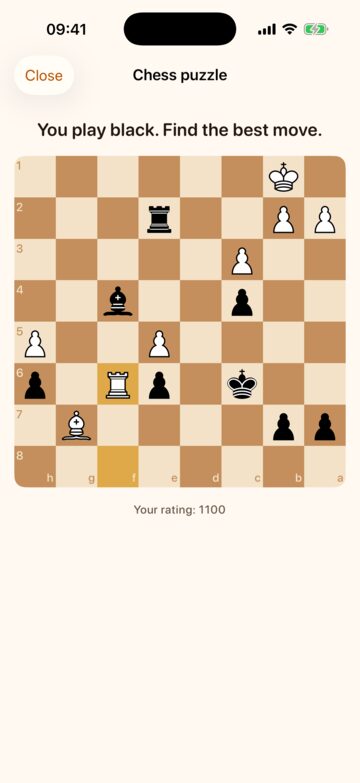
A chess puzzle
Find the best moves in an endgame from a real game. DoneThen asks how well you play once, then the puzzles follow your results.

Pick the apps that take your time. Read, work out or take a walk to earn minutes for them. At zero, they lock.
Free for 14 days. No card needed.
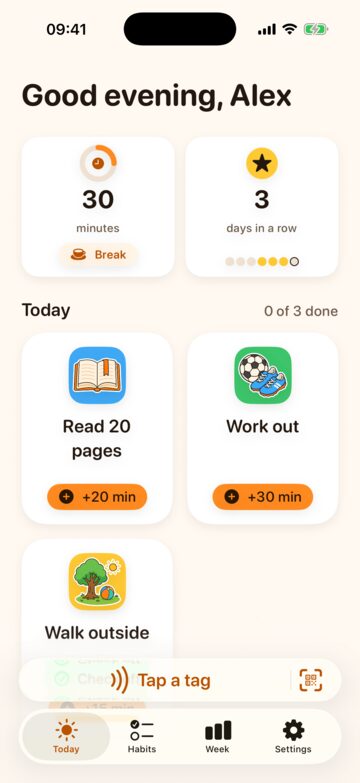
A commitment you make to yourself, set up on your own iPhone in a few minutes.
Read 20 pages, work out, walk outside, practice, tidy up. Each one earns the minutes you choose. You also get 30 free minutes a day.
A tag is a small NFC sticker your iPhone reads with a touch. Stick one where a habit happens: the bookshelf, the yoga mat, the sink. Tags are optional: print a QR code instead, or check a habit off in the app.
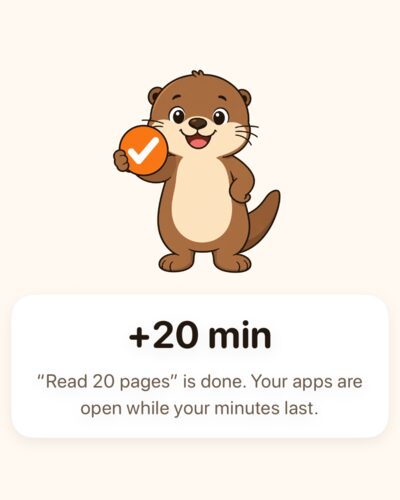
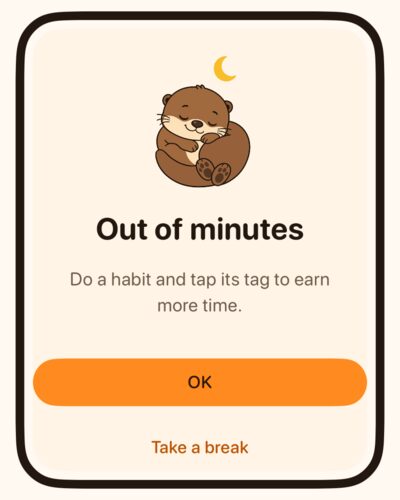
Only time in the apps you picked counts down. At zero, Apple’s Screen Time locks them. Need a moment? Take a short break, twice a day to start, or win one with a game.
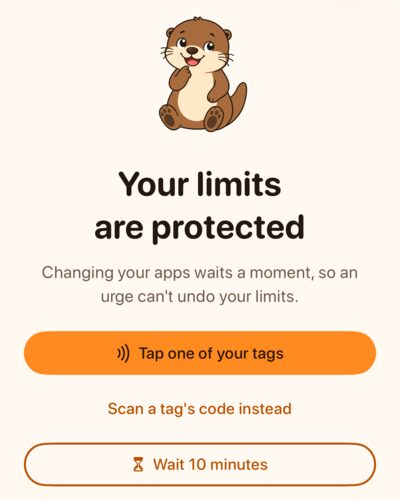
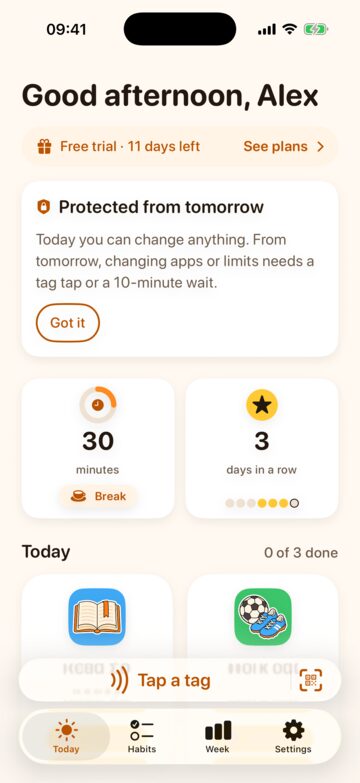
Changing your apps or limits takes a tap on one of your tags, or a 10-minute wait. Adding a habit always works.
Out of minutes? Next to your free breaks, you can turn on earned breaks: win a short game, and your apps open again for a few minutes.
Find the best moves in an endgame from a real game. DoneThen asks how well you play once, then the puzzles follow your results.
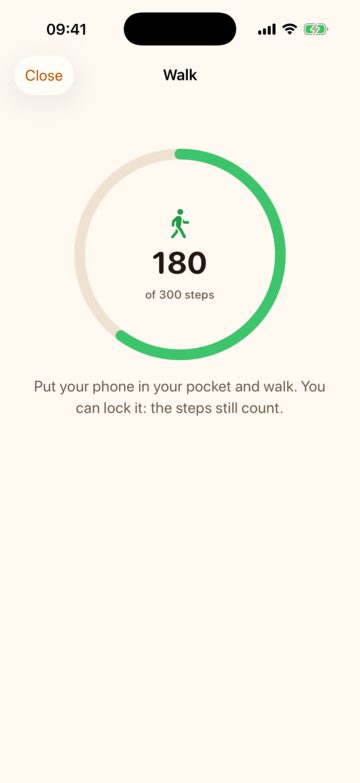
300 steps, counted by your iPhone. Put it in your pocket, locked if you like. Your steps never leave the phone.
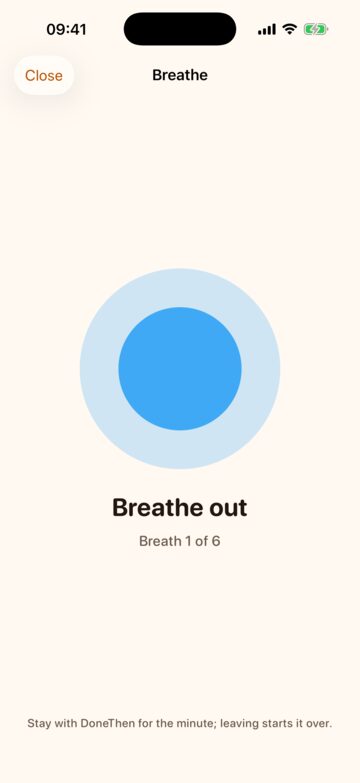
Six slow breaths, 4 seconds in and 6 out, with a circle to follow. Leaving DoneThen starts it over.
A win adds 5, 10 or 15 minutes at once, up to the number of earned breaks a day you choose. Only wins count, and you can try as often as you like. The chess puzzles come from Lichess’s open puzzle database.
Loosening your limits takes a tap on one of your tags or a 10-minute wait, so a moment of wanting your apps can’t undo the limits you chose.
Anything that gives you more time: the apps that need minutes, your free minutes, the bank, breaks and earned breaks, and stopping DoneThen. Your week, notifications, your subscription and deleting your account are always open.
Tap any of your tags, or start the wait, and changes stay open for 10 minutes. Tags are optional: without them, the wait does it. The day you set up stays open, so settling in needs neither.
Add or change a habit at any time. While your limits are protected, a new habit, or one changed to earn more, starts earning 10 minutes later, so it can’t be a shortcut to minutes.
DoneThen uses Apple’s Screen Time for you alone, approved with Face ID or your passcode. Apple lets you remove its access in Settings, or delete the app, at any time, and DoneThen tells you so during setup. It’s a commitment you make to yourself, not a parental control.
You pick the apps in Apple’s own picker. DoneThen counts your minutes, never which apps they went to or what you did there.
There’s research on limits people set for themselves. It’s about a limit app on Android phones in the US, not about DoneThen, but it’s why DoneThen lets you set your own.
“78 percent of participants set binding limits and continued using them through the final weeks of the experiment.”
“The limit treatment reduced FITSBY screen time by 22 minutes per day (16 percent) over 12 weeks.”
Allcott, Gentzkow and Song, “Digital Addiction”, NBER Working Paper 28936 (revised March 2022). Android users in the US, 2020.
Just me has its own 14-day free trial, even if you tried DoneThen with your family.
Save 40%
€49.99 a year
That’s €4.17 a month.
€6.99 a month
Cancel any month.
In the US: $49.99 a year or $6.99 a month. The App Store shows the price for your country.

DoneThen’s own service: habits and tags, protected limits, breaks and the games that earn them, your week and streak, and keeping it all in sync. The limits themselves use Apple’s Screen Time.
Without a subscription, earning pauses. Minutes you have still count down, but habits and breaks, free or earned, add nothing until you subscribe.
Through your Apple Account. The subscription renews until you cancel it in your Apple Account settings.
Yes. Apple designed Screen Time for your own device that way: you can turn off DoneThen’s access in Settings or delete the app at any time. Protected limits make changing your mind take a tag or 10 minutes, not a password you can’t get past.
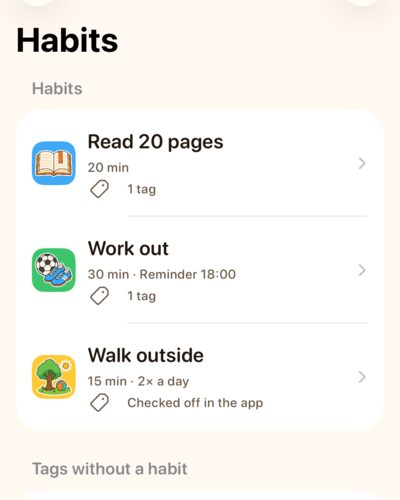
Anything you want to do more: reading, a workout, a walk, tidying up, practicing an instrument. Each habit earns the minutes you choose, on the days you choose, with a reminder if you like.
A habit with a tag needs its tag. A habit without one has a Check off button, for things you do away from home.
More ideas, and where to put tags: Guides and ideas. Setting up, step by step: Set up Just me.
30 a day to start, with at most 120 saved, and unused minutes reset at midnight. A break adds 5, 10 or 15 minutes, twice a day to start. You can change all of these; like the rest of your limits, they’re protected.
Turn them on in Settings, under Your limits, and pick your games. Like other changes to your limits, that’s protected. Once your minutes run out, Take a break offers them: a chess puzzle, a 300-step walk or a minute of breathing. A win adds 5, 10 or 15 minutes, up to the number of earned breaks a day you chose, from 1 to 10.
Only wins count, and you can try as often as you like. The walk needs an iPhone, since an iPad doesn’t count steps.
A tag is a small NFC sticker, the kind your iPhone reads with a touch. Stick it where a habit happens and pair it with that habit; when you’re done, hold your iPhone to it.
You don’t need any. A habit without a tag has a Check off button, a printed QR code works like a sticker, and without tags, changing your limits takes the 10-minute wait.
Yes. An iPad has no NFC, so you scan your tags’ QR codes instead. DoneThen limits one device at a time: setting it up on another moves it there.
NFC stickers of the NTAG213 or NTAG215 type (NTAG216 works too), not locked or read-only. On metal, pick stickers sold as on-metal or anti-metal. Or print QR codes: DoneThen makes a sheet of them.
Use Join in instead: it’s on the Family tab of your family’s DoneThen, and gives you your own space with habits, protected limits and breaks, covered by the family’s subscription. An Apple Account has one DoneThen family, so Just me needs a different Apple Account.
Earning pauses until you subscribe. The minutes you have still count down and the apps stay limited, but habits and breaks, free or earned, add nothing. You can still see your week, turn DoneThen off or delete your account.